Table of Contents
A product launch video does more in 90 seconds than a five-page spec sheet does in a week.
It shows the product working, builds trust before a prospect clicks buy, and travels on its own through social feeds, email campaigns, and investor decks.
The problem: most startup teams have no dedicated video editor, and tools built for broadcast professionals take weeks to learn. The seven tools below change that. If you are still figuring out which AI tools belong in your stack, see our breakdown of how AI startups are disrupting enterprise software in 2026.
Quick Comparison: Best Product Launch Video Makers (2026)
| Tool | Best for | Key features | Starting price |
|---|---|---|---|
| ngram | Startups turning launch materials into videos | Source-based generation, screencasts, avatars, brand kits, chat editing | Free; from $29/mo |
| Canva | Design-first teams | Templates, Magic Studio AI, stock library, brand kit | Free; Pro $18/mo |
| InVideo AI | Text-to-video at volume | AI script to video, 5,000+ templates, B-roll library | Free; Plus $25/mo |
| VEED | Editing existing footage | Auto-subtitles, 100+ languages, screen recorder | Free; Creator $19/mo |
| HeyGen | AI avatar and outreach videos | Avatar videos, voice cloning, video translation | From $29/mo |
| Synthesia | Enterprise training videos | 160+ avatars, 140+ languages, SCORM export | From $29/mo |
| Pictory | Repurposing long-form content | Article to video, auto-highlights, captions | From $23/mo |
1. ngram — Best Product Launch Video Maker for Startups

⭐ G2 Summer 2026 High Performer in AI Video Generators and Synthetic Media | 4.8/5 across 16 reviews
ngram is an agentic AI video creation platform built for product and marketing teams.
Instead of starting with a blank timeline, you give ngram something real: a product page URL, release notes, a PDF, screenshots, a presentation, or a screen recording.
ngram reads the source, writes a script, builds a storyboard, and renders a full video with motion graphics, captions, voiceover, and brand styling. Then you refine it with natural-language chat edits or frame-level timeline controls.
Why it works for product launch videos
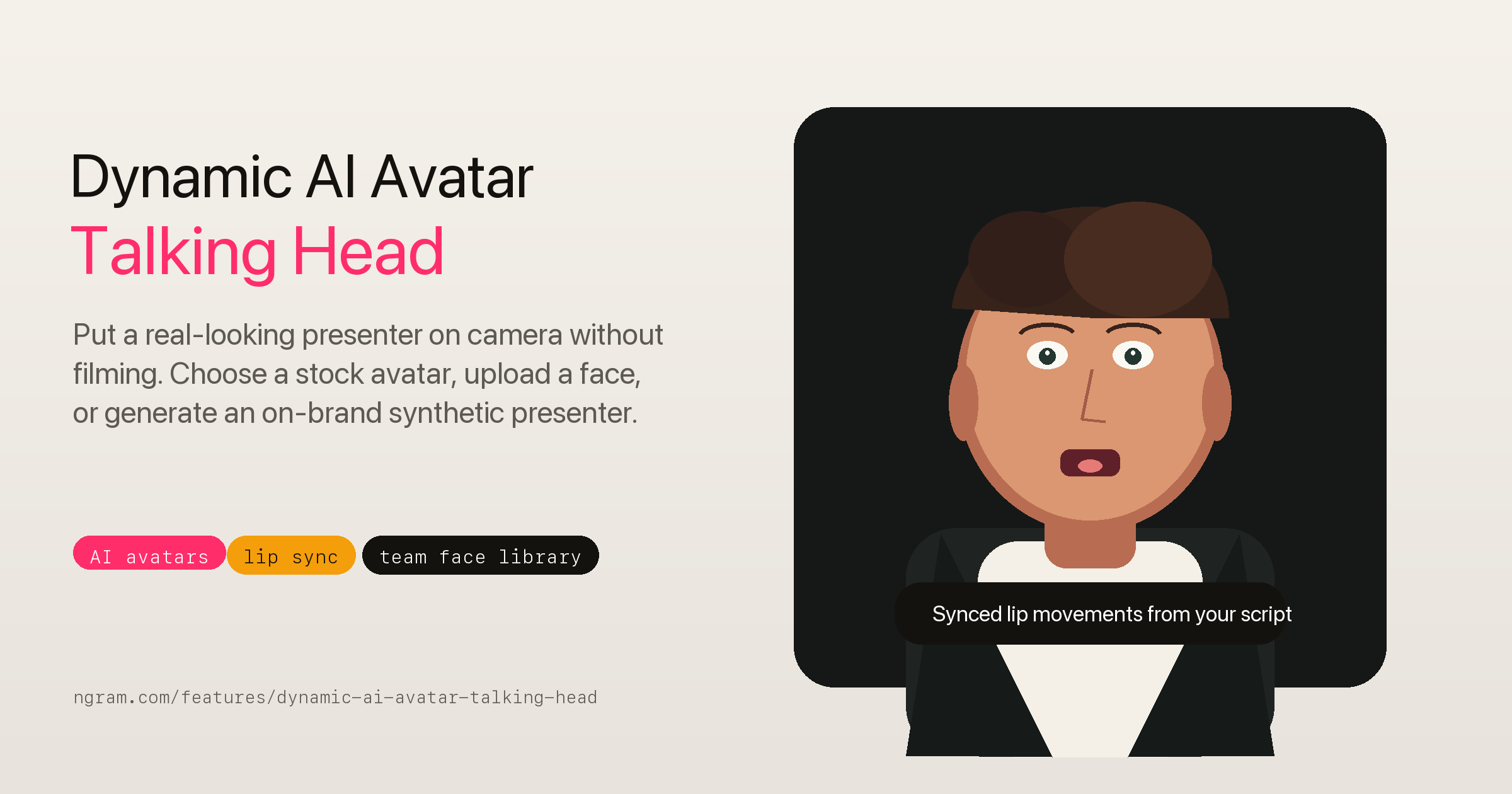
Four output modes: Screencast, Screencast plus Avatar, Avatar, and AI Motion Graphics. A product walkthrough for a landing page and an investor announcement need different formats — ngram handles both.
Screencast polish built in: cursor smoothing, click emphasis, dead-air trimming, smart zooms, labels, callouts, and transitions. A raw recording becomes something worth sharing without manual frame editing.
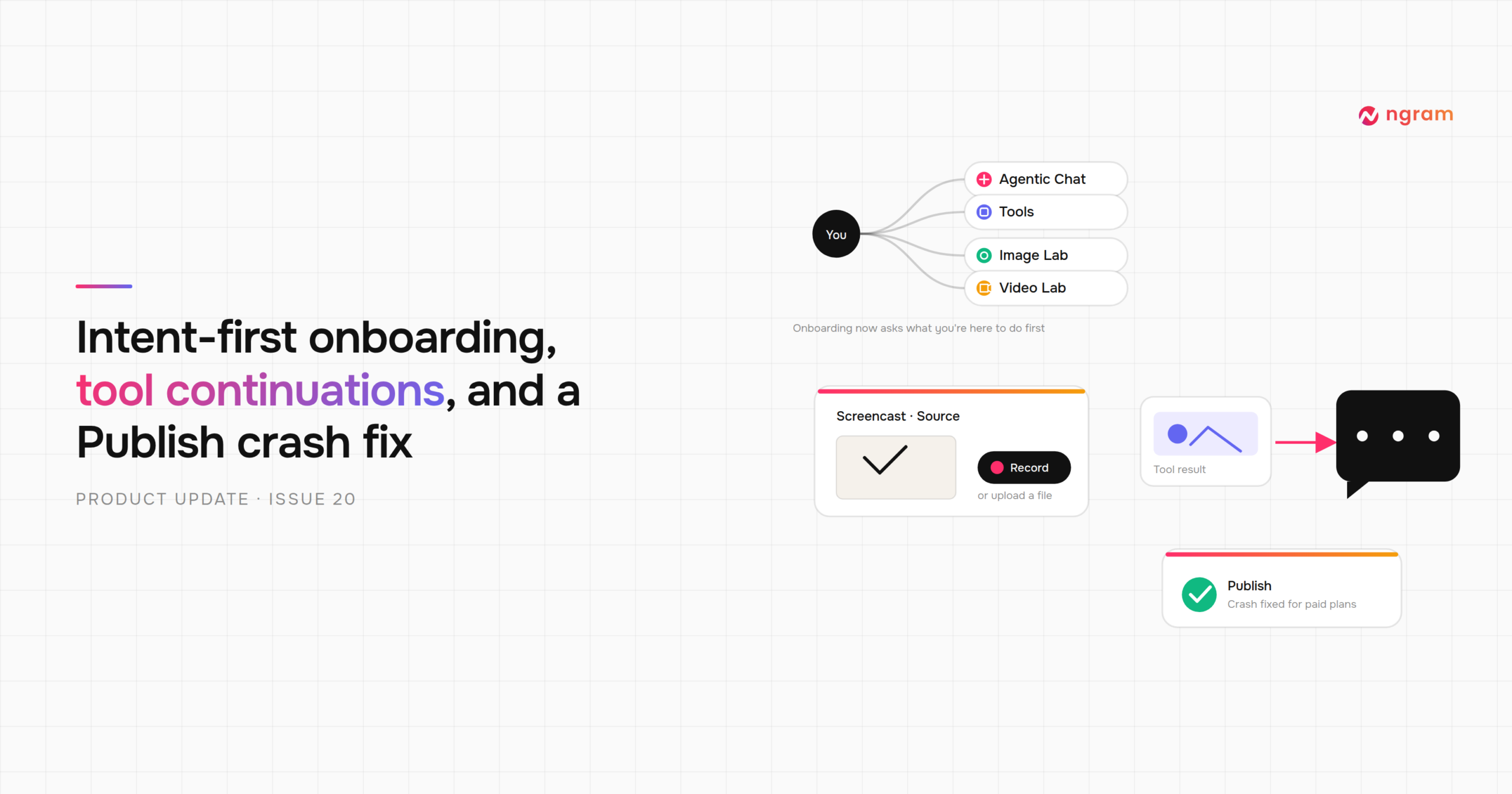
Brand kits and reusable styles keep every video from the same campaign visually consistent.
AI edits use far fewer credits than initial generation, keeping iteration costs low when stakeholders are weighing in on launch copy.
Exports: MP4, GIF, WebM, PNG, JPG, or PPTX in widescreen, vertical, and square. Integrates with Zapier, n8n, Make.com, MCP Server, and publishes directly to LinkedIn, X, and YouTube.
ngram Pricing
- Free — 600 one-time credits · up to 60 sec AI video · 720p with watermark · no card required
- Basic $29/mo — 3,000 credits/mo · up to 300 sec · 720p
- Premium $59/mo — 10,000 credits · up to 1,000 sec · 1080p · advanced models · 1 BrandKit · 1 custom voice & avatar · credits roll over
- Ultimate $299/mo — 50,000 credits · up to 5,000 sec · 4K · unlimited BrandKits, voices & avatars · up to 3 users · video hosting · interactive elements
- Enterprise — Custom capacity, security controls, dedicated onboarding
Annual billing saves 20%. Full details at ngram.com/pricing.
2. Canva — Best for Design-First Teams
Canva is the most widely used design tool in the world, and its video capabilities have expanded considerably with Magic Studio AI.
If your team already works in Canva for decks, social graphics, and marketing assets, the video editor is a natural extension. Drag existing brand elements into a timeline, use AI to generate footage or transitions, and export directly.
What Canva is not is an agentic video tool. You start with a blank canvas or template — not a product brief or URL. For teams who want a polished product launch video from release notes, Canva requires considerably more manual work than source-based tools.
Pricing: Free plan available. Pro is $18/mo and includes Magic Studio AI, brand kit, premium templates, and full stock library. Note: premium AI video generation beyond base quotas bills additionally.
3. InVideo AI — Best for Text-to-Video at Volume
InVideo AI turns a text prompt or script into a video by matching each scene to stock footage from a library of millions of clips.
It is a strong choice for teams who need high-volume social or ad videos and are comfortable working with B-roll rather than product screencasts. For a launch video that needs to show the actual interface, the output tends to look more like a brand awareness ad than a product demo.
Pricing: Free (10 min/mo, watermarked) · Plus $25/mo · Max $60/mo · Generative $120/mo (includes Sora 2 + Veo 3.1)
4. VEED — Best for Editing Existing Footage
VEED is a browser-based video editor with strong AI additions. Its standout features are auto-subtitles across 100+ languages, a built-in screen recorder, and social-optimized export presets. It now supports AI avatars too.
VEED suits founders who already have footage: a recorded demo, a Zoom walkthrough, or a presentation that needs captions, trimming, and clean export.
For teams starting from a product brief with no existing footage, the workflow requires more manual input than source-based tools.
Pricing: Free (watermarked) · Creator $19/mo (no watermark, more AI features)
5. HeyGen — Best for AI Avatar Videos
HeyGen is built around one core use case: AI avatar videos at scale. Select or create an avatar, type a script, and HeyGen renders a lip-synced talking-head video in minutes.
Its video translation feature, which re-renders avatar lip sync in 40+ languages, is strong for startups targeting international markets at launch.
HeyGen is primarily an avatar platform. For screencasts, product walkthroughs, or motion graphics, other tools on this list serve better.
Pricing: From $29/mo. API access available on higher tiers.
6. Synthesia — Best for Enterprise-Scale Video
Synthesia is the enterprise-grade avatar video platform: 160+ AI avatars, 140+ language support, SCORM export, and a collaboration suite built for large organizations.
For early-stage startups producing a product launch video, Synthesia is often more platform than needed. Its core strength is training content, internal comms, and high-volume corporate video where brand consistency across hundreds of videos is the priority.
Pricing: Starter from $29/mo. Custom avatars and enterprise controls on higher tiers.
7. Pictory — Best for Repurposing Long-Form Content
Pictory converts articles, blog posts, webinars, and long-form video into short, shareable clips.
If your startup has a detailed launch announcement or technical deep-dive, Pictory extracts the key segments and turns them into social-ready video with captions, music, and branded end cards.
It is a specialist tool. For teams starting from a product brief with no existing written or video assets, other tools on this list are a better fit.
Pricing: From $23/mo.
How to Choose the Right Product Launch Video Maker
Starting from a brief, a product page, or release notes? You need source-based generation. ngram is the best fit.
Already working in Canva for all your design? Extend it to video with Canva Pro.
Need high-volume social clips from stock footage? InVideo AI is built for that workflow.
Have existing footage that needs captions, trimming, and multi-language export? VEED handles it cleanly.
Running avatar-heavy outreach or multilingual campaigns? HeyGen leads that category.
Building a corporate video programme at enterprise scale? Synthesia is purpose-built for it.
Repurposing a library of articles, webinars, or long recordings into clips? Pictory is the specialist.
💡 Tip: Pricing and credit limits across all tools move fast in 2026. Always verify the live pricing page before committing to a plan — generation allowances vary significantly between tiers.
Ready to make your first product launch video?
Try ngram free — no card required →
More from Startup Pill
- How AI Startups Are Disrupting the Fortune 500 in 2026
- Forbes Top 10 Startups Most Likely to Hit $1 Billion
- How to Build and Sell an AI Voice Agent in 2026
- Defence Tech Startups 2026: The $130B Arms Race