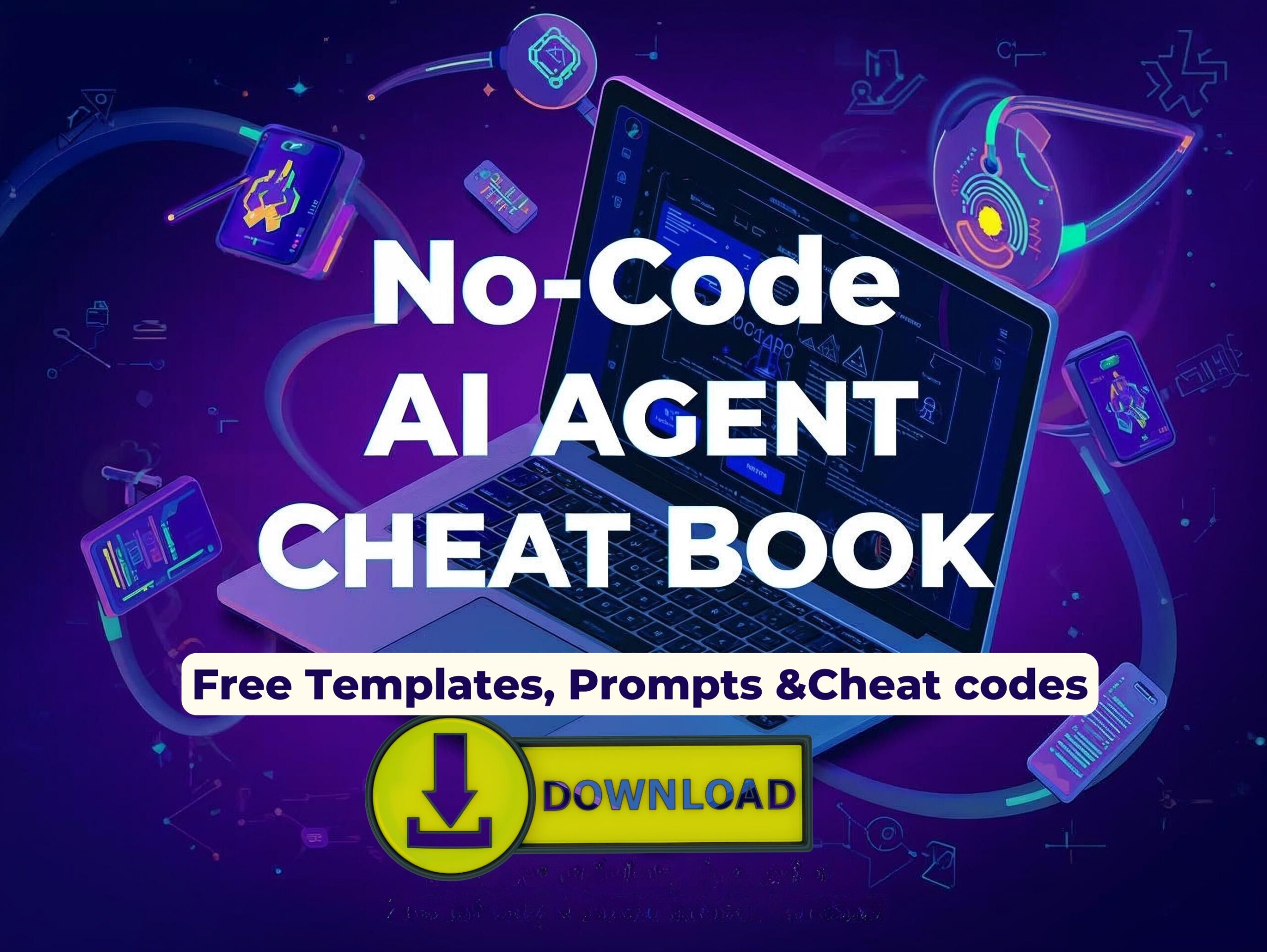
If you think AI is only for developers, think again. The future of automation belongs to no-code AI agents intelligent systems that execute complex workflows, write content, analyze data, and scale marketing campaigns — all without a single line of code
From LinkedIn outreach to email campaigns and data-driven growth analytics, AI agents have become the silent growth partners for startups, freelancers, and Gen Z marketers.
The best part?
You can control everything through prompt codes, templates, and workflow builders like Make.com and Zapier.
In this article and in the free downloadable cheat book PDF About agentic AI you’ll learn:
- The exact AI cheat codes used by marketers in 2025
- Prompt engineering shortcuts for ChatGPT and no-code platforms
- Free templates and automation frameworks
- Step-by-step workflows for marketing, outreach, and analytics
What Are No-Code AI Agents?
No-code AI agents are self-directed automation programs that perform actions, make decisions, and even learn — without any manual coding. They combine natural language AI (like ChatGPT) with workflow platforms (like Make.com) to complete real-world tasks automatically.
How They Work
- You define the task (e.g., “Send 50 personalized LinkedIn messages”).
- You assign a role and a prompt (e.g., “Act as a B2B marketer”).
- The AI agent connects to tools like Gmail, Airtable, or LinkedIn.
- It executes your workflow and even optimizes itself based on results.
Why They Matter in 2025:
- Businesses save over 40% of time spent on manual marketing tasks.
- Startups automate lead generation and campaign tracking effortlessly.
- Marketers create entire workflows without hiring developers.
Prompt Engineering Short Codes (AI Cheat Codes)
Prompt engineering is the secret language that teaches AI agents how to think, act, and respond. Think of it as a cheat code system for building smarter prompts.
| Short Code | Function | Example | Meaning |
|---|---|---|---|
| /role | Assign AI’s persona | /role = Growth Marketer | Makes AI act like a professional marketer |
| /task | Define the objective | /task = Write 5 LinkedIn follow-up messages | Focuses AI on one goal |
| /tone | Adjust communication style | /tone = Friendly and Persuasive | Controls emotional tone |
| /analyze | Request data analysis | /analyze = Monthly campaign metrics | Generates insights from data |
| /optimize | Ask for improvement | /optimize = Increase engagement by 20% | Suggests better results |
Example Full Prompt:
/role = Growth Marketer
/task = Write 5 personalized LinkedIn messages for SaaS founders
/tone = Professional but approachable
/analyze = Previous campaign engagement data
/optimize = Improve click-through rate by 10%
This simple structure allows ChatGPT or your AI agent to act strategically — making your outreach sound human, relevant, and data-backed.
No-Code Workflow Automation Examples
1. LinkedIn Outreach Automation
Use Make.com or Zapier to connect LinkedIn and ChatGPT.
Steps:
- Import leads from a Google Sheet or Airtable.
- Use
/role = Growth Hackerand/task = Write 5 outreach messages. - Schedule automated connection requests.
- Follow up with optimized message sequences using
/optimize. - Collect responses and track engagement in real time.
Result: 4x faster outreach and personalized messaging for every lead.
2. Email Marketing Campaigns
Automate newsletter creation, segmentation, and delivery.
Workflow:
- Collect subscribers from your CRM.
- Use
/role = Copywriterand/tone = Conversational. - Generate email sequences with A/B variations.
- Use Make.com to send campaigns automatically.
- Let the AI analyze open rates and clicks using
/analyze.
Result: Campaigns that adapt automatically to audience behavior.
3. Data Analytics and Reporting
Replace hours of manual report-making with agentic analytics.
Workflow:
- Feed sales or engagement data into Airtable.
- Use
/analyze = Weekly performance summary. - AI generates insights and suggestions automatically.
- Export polished reports into Google Slides or Notion.
Result: Clear dashboards, actionable insights, zero manual effort.
Top No-Code AI Tools & Templates
| Tool | Primary Use | How to Use |
|---|---|---|
| Make.com | Multi-step workflow automation | Visual builder for LinkedIn and email campaigns |
| Zapier | Connects 5,000+ apps | Perfect for cross-platform triggers |
| Airtable | Data management | Organize leads, campaigns, and reports |
| ChatGPT / HuggingGPT | Prompt-based intelligence | Build custom AI personas with short codes |
| CrewAI | Multi-agent orchestration | Manage multiple agents for complex workflows |
Free Template Spotlight: N18 Framework
The N18 AI Agent Template is a plug-and-play Make.com workflow that includes:
- Pre-built LinkedIn automation flow
- Prompt-ready inputs
- Email sequence generator
- Analytics integration
📥 Available free in the downloadable PDF below.
Prompt Engineering Tools for 2025
Here are some must-have tools that make your prompt writing and workflow execution seamless:
- FlowGPT: Browse prompt libraries for marketing, sales, and data.
- PromptHero: Discover trending prompt structures for specific industries.
- LangFlow: Build drag-and-drop prompt workflows visually.
- ChatGPT Custom Instructions: Preload your AI with roles and goals.
- Make.com Scenarios: Combine prompt logic with real-world app actions.
Free Prompts for AI Marketing Agents
/role = Social Media Strategist /task = Create 3 viral TikTok ideas for AI tools /tone = Energetic/role = Growth Hacker /task = Write outreach messages for B2B founders /analyze = Engagement stats/role = Copywriter /task = Craft persuasive email headlines /optimize = CTR 10%+/role = Data Analyst /task = Summarize audience insights /analyze = Q2 campaign data/role = Marketing Assistant /task = Schedule 10 LinkedIn posts /tone = Conversational
Takeaways: Why You Need This Cheat Book
✅ Save 20+ hours/week using AI workflows.
✅ Launch campaigns faster with pre-built Make.com templates.
✅ Write better prompts that deliver exactly what you want.
✅ Scale your outreach without hiring extra staff.
✅ Get inspired with 10+ prompt templates ready to copy and paste.
CLICK HERE FOR THE LINK–>DOWNLOAD HERE
FAQs: No-Code AI Agents 2025
1. What is a no-code AI agent?
A digital assistant that performs actions automatically using prompts instead of code.
2. How do I start using one?
Download a workflow template from Make.com or Zapier, connect your apps, and define prompts.
3. Can I use ChatGPT for automation?
Yes — connect ChatGPT through APIs or Make.com to power your workflows.
4. What are prompt engineering short codes?
Simple tags like /role and /task that define how AI should think, write, or act.
5. How can AI agents improve marketing?
By automating lead outreach, content writing, and campaign analysis.
6. Are there any free templates?
Yes, the N18 framework is included in the free downloadable PDF below.
7. Do I need technical skills?
Not at all — everything is drag-and-drop and prompt-based.
8. Can I run multiple agents together?
Yes, CrewAI and HuggingGPT support multi-agent coordination.
9. How do I measure success?
Track response rates, CTR, conversions, and engagement using Airtable or dashboards.
🚀 Follow Startup Pill for Smarter Startup Learning
Discover real startup journeys, expert interviews, and behind-the-scenes insights that fuel innovation. Learn how founders crack challenges, raise funds, and scale their ideas.
👉 Stay inspired — Follow Startup Pill for weekly startup stories and success strategies.